


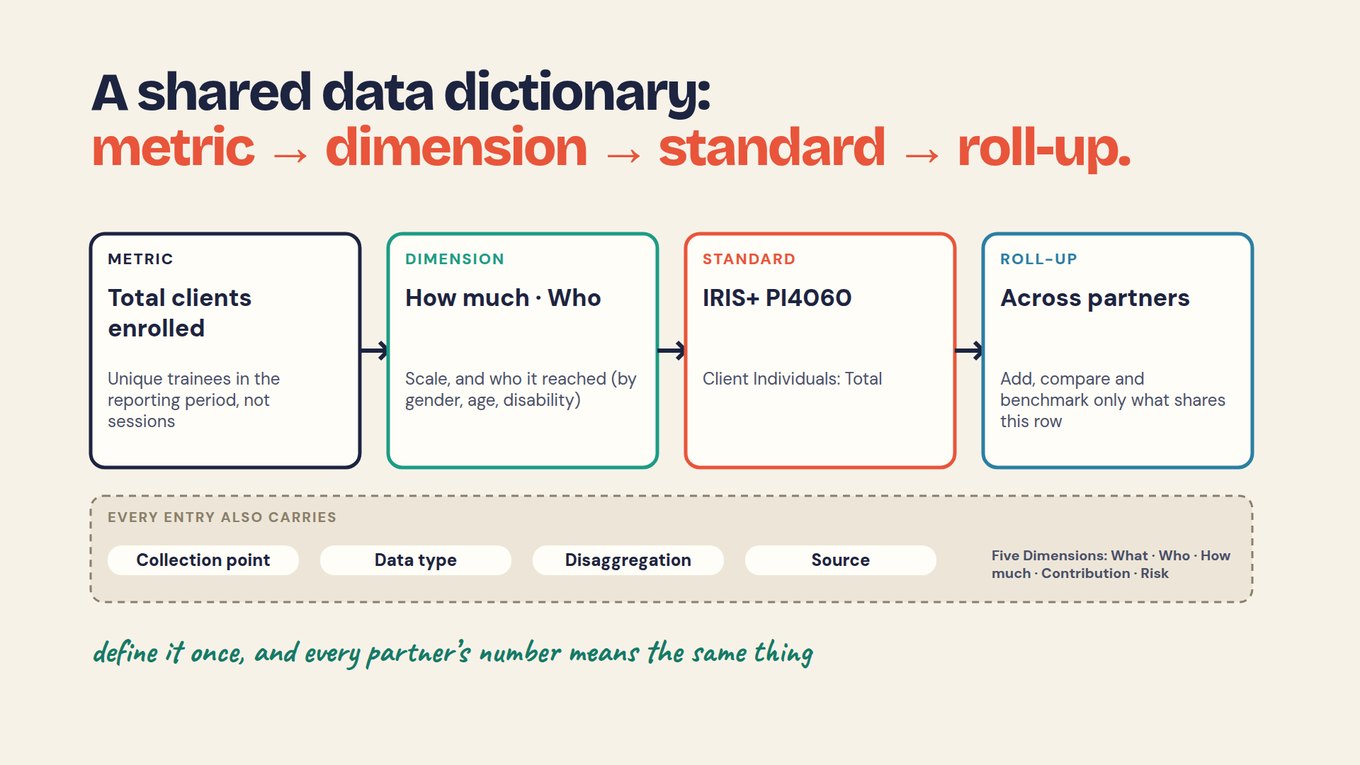
The previous exercise chose the meaning. This one makes it usable. You will leave with a tested definition for one measure, not a long list of indicators.
Write the rule beside the number.
Fictional measure: reported skill use at 30 days.
Population: completers in the agreed course cohort.
Qualifies: a response describing use of the specified skill under the approved question.
Timing: the 30-day checkpoint; agree the permitted response window.
Calculation: unique qualifying respondents divided by unique respondents with usable answers.
Coverage: usable respondents divided by eligible completers.
Missing: unknown remains separate from reported non-use.
Source and owner: dated follow-up linked to the completion record; named course owner.
The wording and timing tolerance require approval before use. Do not invent those rules after seeing the results.
Test three awkward records.
- Duplicate: a learner answers twice. Decide which response is valid and preserve the correction history.
- Late response: establish which checkpoint the answer describes; do not silently treat today’s status as the earlier status.
- Missing response: retain it as unknown and show its effect on coverage.
In the shared fictional dataset, 15 of 25 respondents report using the skill and 15 of 40 completers have no follow-up answer. Another person should reproduce those counts using your definition. A result can be repeatable and still use the wrong rule, so check both meaning and arithmetic.
Add a question only when the number cannot answer it.
The count locates a pattern but may not explain it. A neutral follow-up could ask, “What helped or made it difficult to use the skill?” Keep the person’s words. A reviewed theme can summarize responses; it should not invent a cause or a sensitive circumstance.
Do not add an open question to every routine field. Ask for context when it can change a real decision.
Keep the definition when the form changes.
Record its owner, version and effective date. A different population or checkpoint may create a different measure, not a cosmetic revision. Preserve the rule used in earlier reports and explain whether any restatement is valid.
AI can draft a definition from existing notes, but uncertainty should remain a question for the owner. It must not invent thresholds, sources or missing-value rules.
Your handoff
Give the definition and a small test set to a colleague. Resolve differences before collection. Use the data dictionary to turn this approved meaning into reusable fields, or continue to map the evidence you need.
Test the attendance calculation with incomplete records
Separate fictional attendance exercise. Suppose 100 people are eligible for the first session. Seventy have confirmed attendance, 20 have confirmed absence and 10 have unknown status because their records are incomplete.
- Confirmed attendance across all eligible people: 70/100 = 70%.
- Confirmed absence across all eligible people: 20/100 = 20%.
- Unknown status: 10/100 = 10%; status coverage is 90%.
- Attendance among people with known status: 70/90 = 77.8%, if that additional view is useful and clearly labeled.
Calling everyone outside the 70% attendance count a no-show would turn missing evidence into ten unsupported absence classifications. Resolve the records or retain the unknown category. A dashboard can flag the gap immediately, but staff should check the attendance evidence before contacting someone as a confirmed non-attendee.
This is a self-contained attendance exercise. Do not combine its counts with another lesson’s employment or training dataset.
Add this to your plan
Record what you decided in this chapter in the same working evidence plan you started in Foundations, so definitions, sources and checks stay in one place.