



Sopact customer story
Girls Inc. of Metropolitan Dallas
Participant history across reporting years
See how Girls Inc. of Metropolitan Dallas connects participant records, program feedback and progress across reporting years.
Read the case study ↗Track each person from intake through years of services, check-ins and documents. Ask how they are doing. See the sources. Know what to do next.
Program directors, Navigators and service teams coordinating ongoing learner, participant or family support
The team can find attendance and notes, but cannot quickly tell what was agreed, who owns the follow-up or what happened afterward.
Before a check-in, staff need more than a profile: the person’s goal, recent participation, their own account, the last agreement and the latest follow-up. Separate forms and files make that history harder to use.
Sopact connects collection with numerical and narrative analysis. Use the relevant records and saved reporting context to prepare the next review, then check the evidence and decide what happens next.

Keep intake, notes, documents and check-ins connected as staff and services change. See the current goal, earlier agreements and missing follow-ups before the next conversation.
What did we agree at the last review, what happened afterward, and what still needs attention?
New check-ins, notes, attendance and survey responses stay attached to the same person. When the team asks what changed, the answer and its sources are already in view.
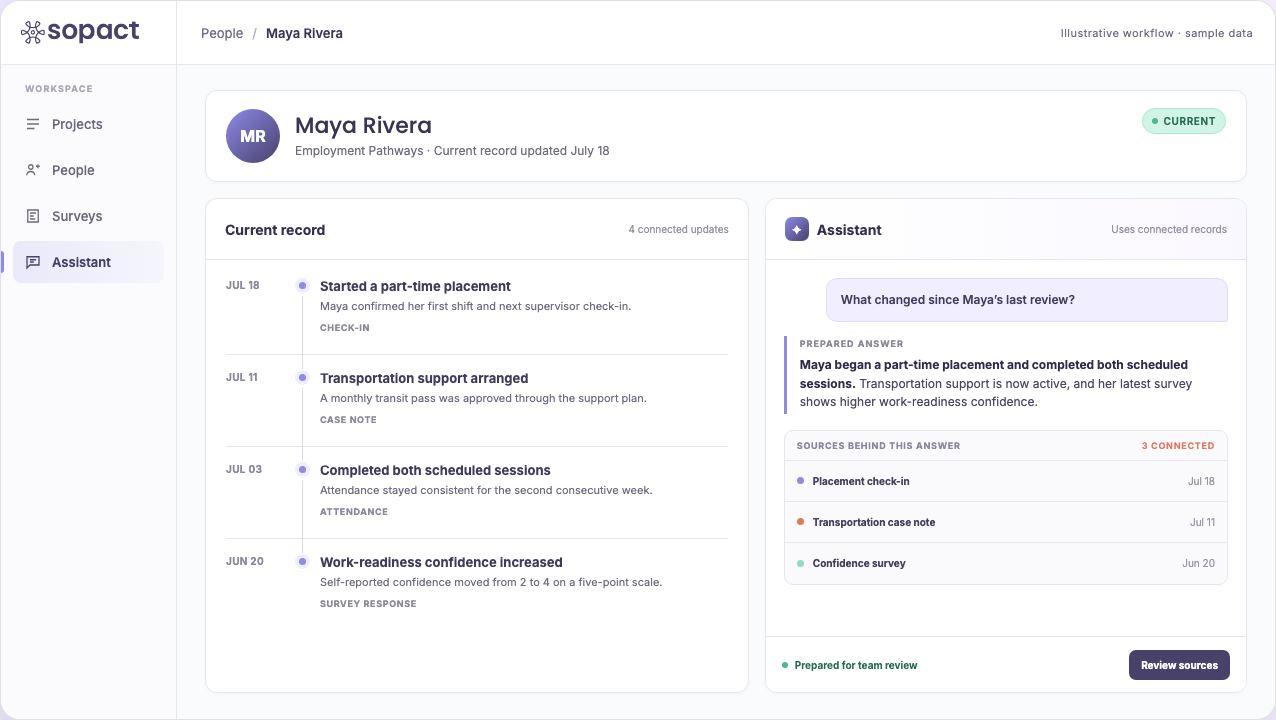
Maya began a part-time placement and completed both scheduled sessions. Transportation support is active.
One custom workflow connects the information you already collect to the questions your team needs to answer.
Bring in intake details, notes, services, surveys and check-ins while the work is happening, without rebuilding the same record.
New information stays connected to the person, so the history is ready when the next conversation happens.
Ask a question in plain English instead of starting a new data pull or waiting for someone to assemble the answer.
Check the source and review any recommendation. Record the agreed action, responsible person and review date; use the next check-in to establish what actually happened.
Follow changes across check-ins, services, surveys and outcomes without losing the history behind them. Move from one person’s record to cohort, site or program patterns, then trace the result back to the source.
Open any site to return to the people and updates behind the pattern.
A program pattern remains connected to its participant records and source updates.
Start with the person, then zoom out to a cohort or program. Ask the practical question behind the decision, and see where the answer came from.
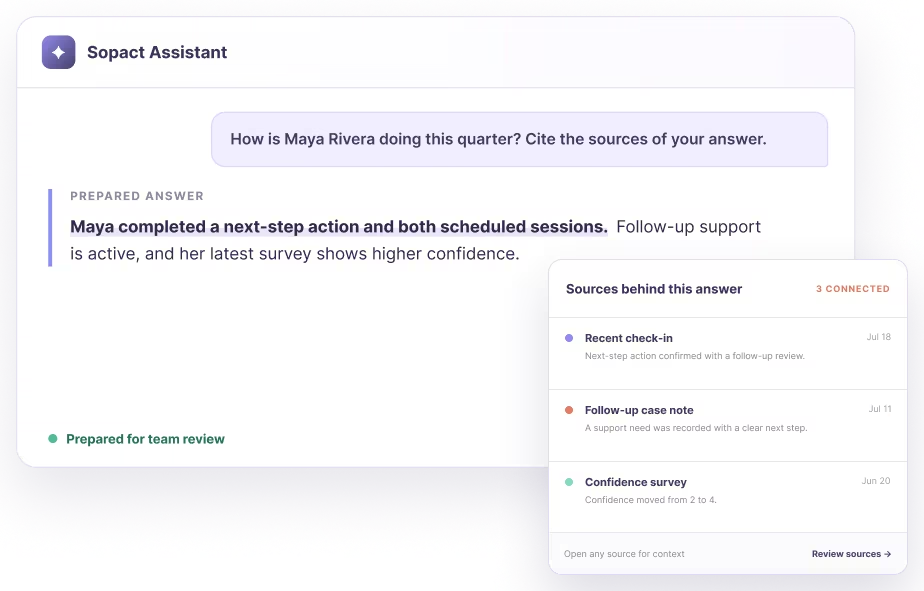
Maya began a part-time placement and completed both scheduled sessions. Transportation support is active, and her latest survey shows higher confidence.
Open the notes, check-ins and survey responses behind a prepared answer. Your team can inspect the context instead of accepting an unexplained result.

Automation should remove the waiting, the copy-paste and the reporting scramble. It should not remove the context or the judgment that case work requires.
Connect the information your team already collects, keep each person’s history intact, and make gaps visible before the next review or report.
Participant history across reporting years
See how Girls Inc. of Metropolitan Dallas connects participant records, program feedback and progress across reporting years.
Read the case study ↗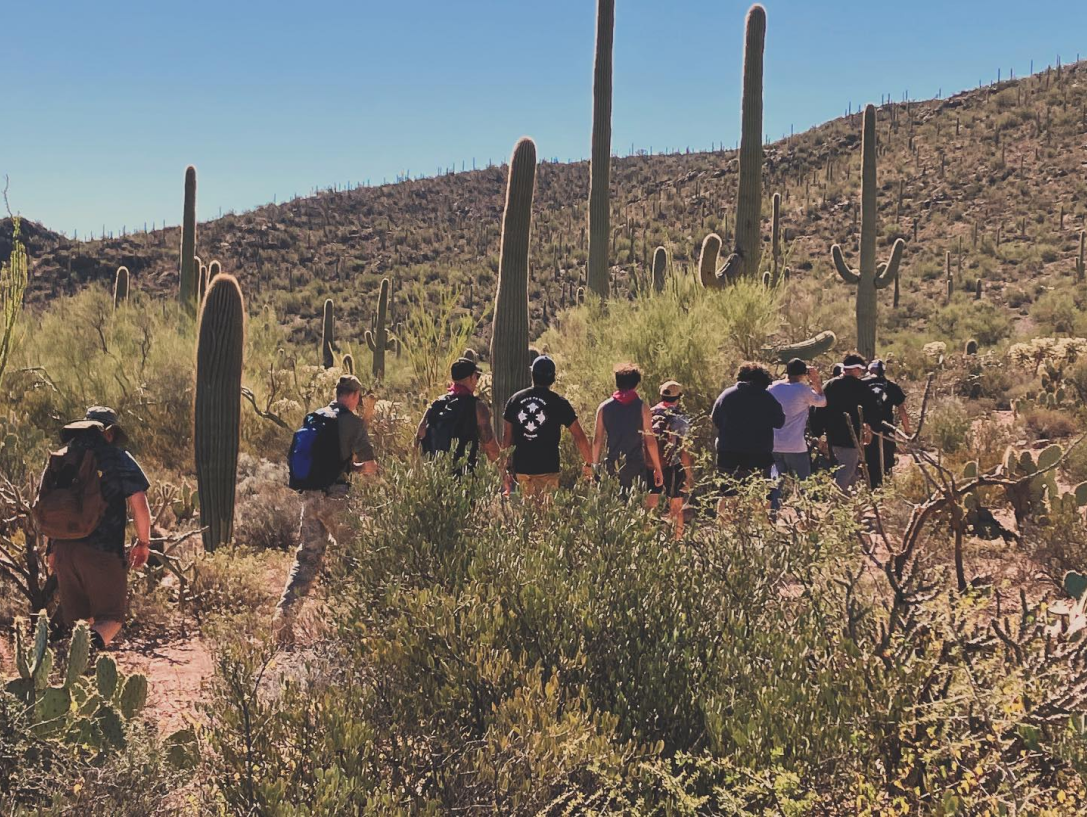
Youth and site-level program context
See how Boys To Men Tucson tracks 198 youth across 23 sites and brings their progress into funder reporting.
Read the case study ↗Continuing support · a fictional student example
A learner misses two program sessions and tells their Navigator the bus timetable changed. An earlier check-in is proposed. The director needs to see whether it was agreed, whether it happened and what the learner reported afterward. Program participation is separate from school attendance.
Start with due and overdue follow-ups, the responsible person and missing updates. Keep the learner’s account beside the participation record. A proposed change remains proposed until agreement is recorded; an empty update is not completion.
Explain the learner’s goal, support delivered and observed progress in plain language. Include the learner’s perspective and a next step for discussion. Share a separate reviewed artifact with private staff notes excluded.
Compare the family report and staff companion →
Test two review cycles and a staff handover. Confirm source retrieval, role access and which system owns each record before expanding. The same pattern can support mentoring, workforce coaching or other continuing services.
Take the free course or choose a guide for the workflow you are building.
Open the free course ↗The relevant intake, dated notes, check-ins and documents remain associated with the person. Configure the review to show the current goal, last agreement, open actions and missing updates. Test access with the next staff member’s actual role.
Agree which system owns each record, what can be exported or connected, and how updates and corrections are handled. Start with a bounded workflow and reconcile its history before replacing an existing system. An import is not automatically a live integration.
No. AI helps organize evidence and surface changes or gaps. Your team reviews the sources and decides what support is appropriate.
Start with the people, updates and questions your team already manages. Build from there.
Book a custom demo