


What is a DEI dashboard?
A DEI dashboard organizes diversity, equity and inclusion measures so an organization can review workforce representation, access to opportunity and employee experience. It should connect a clear question to appropriate evidence, with visible definitions, coverage and confidentiality limits.
The dashboard does not need to identify the person behind every survey response. Administrative records and listening data may have different purposes and access arrangements. A useful design respects those differences while helping the team identify a process to investigate.
This guide covers the dashboard structure, a fictional example, access controls and a practical implementation check. Define the measures first with DEI metrics. For program or community comparisons beyond employment, see equity dashboards.
Use a small number of connected views
A single inclusion index cannot answer every workforce question. Organize the review around the relevant journey, with enough context to explain what each measure represents.
Scroll horizontally to see all columns →
| View | Useful content | Important boundary |
|---|---|---|
| Workforce snapshot | Representation by relevant level, role or location | Show unknown or undisclosed group information |
| Opportunity and progression | Defined eligibility, access to development and progression | Compare appropriate populations and time periods |
| Retention | A defined cohort or turnover measure | Do not mix starting-cohort retention with workforce snapshots |
| Pay review | Approved pay measures and method notes | A summary gap is not an equal-pay determination |
| Listening | Approved experience measures and themes | Preserve anonymity, confidentiality and group disclosure rules |
| Action review | What will change, who owns it and when it will be reviewed | Implementation is not proof of an outcome |
Do not put every possible metric on the first screen. Start with the decision and allow readers to inspect definitions or a relevant supporting view. Make the source period and last review easy to find.
Example: representation, development access and listening
Fictional teaching example. The organization below has 200 employees. The workforce and development measures use administrative records. The listening survey is anonymous and is displayed only as an approved aggregate. These sources are not joined to identify respondents.
Workforce review · illustrative period
200 employees · group information available for 180 · 20 undisclosed or unknown
Representation: Group A is 80 of 200 employees, or 40% of the full workforce.
Development participation:
Group A: 24 of 40 eligible employees · 60%
Group B: 40 of 50 eligible employees · 80%
Anonymous listening: 90 of 120 usable respondents report clear information about development opportunities · 75% of respondents.
Inspect what these figures do—and do not—connect
The development comparison is a 20-percentage-point difference among the defined eligible groups. The listening result describes 120 respondents. It does not show whether the employees who missed development opportunities are the same people who reported unclear information.
Next review: Examine eligibility communication and access arrangements. Keep the cause open until the relevant evidence is reviewed.
This view raises a practical question without inventing an individual link. A team might inspect the development invitation process and discuss experience through appropriate channels. It should not use the anonymous survey to locate or contact particular respondents.
Set the population and denominator for every tile
A label such as “40% representation” needs a defined population. Is it the whole workforce, employees at a certain level or only those with a known response to an optional field? Show which one applies.
In the example, Group A represents 40% of all 200 employees and 44.4% of the 180 with usable group information. Both calculations can be correct, but they answer different questions. Displaying one without its denominator can mislead.
For opportunity measures, define eligibility consistently. For retention, explain the cohort, period, departure rules and treatment of transfers. For pay, state the measure and method. The detailed definitions belong in an accessible companion view rather than being omitted to make the dashboard look cleaner.
Keep source ownership clear
The HR system may remain authoritative for employment status, role and pay. A survey system may collect employee experience. A learning system may hold development participation. Identify which source owns each field and how updates or corrections are reviewed.
Match records only where the purpose and permissions support it. Some valid comparisons happen at an approved group level. Do not attach a confidential comment to an HR record simply because a shared field makes the join technically possible.
Use a dictionary for category definitions, source dates, applicable units and missing values. If local requirements or categories differ, retain that difference rather than forcing a global mapping that changes the meaning.
Design access before adding filters
Define the audiences: specialist analysts, leadership, managers, employees or public readers. They may need different views. Give each the detail needed for the purpose, not universal access to every underlying row.
Small-group reporting requires more than hiding names. Review narrow filters, overlapping groups, time comparisons and quotations together. A manager may recognize a respondent from an incident or role even when the group meets a numerical threshold.
Use disclosure rules suited to the context and test them in dashboards, exported files, search and AI summaries. There is no universal group-size threshold that makes all reporting anonymous. A suppressed result should be labelled as withheld or unavailable, never shown as zero.
CIPD's workforce-reporting guidance discusses communicating how employee information will be protected. The dashboard should honor the explanation employees received when information was collected.
Add themes without exposing employees
Approved themes can add context to a score. For example, comments may describe confusing eligibility information or difficulty attending development activities. Present them as accounts to examine rather than proof of the cause of a progression gap.
Use a human-owned codebook, retain uncertainty and review contradictory examples. When definitions change, record the version and check the revised analysis. Quotation selection requires separate attention to confidentiality and whether the example is representative of the theme.
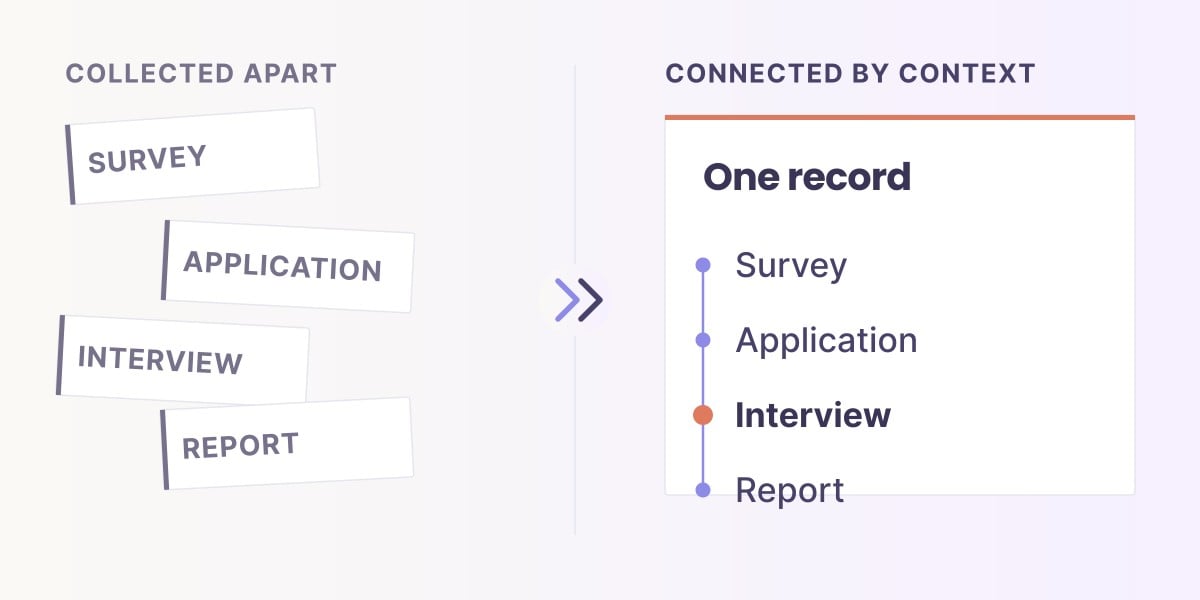
Sopact's connected approach can reduce the repeated work of applying themes and joining permitted quantitative context. See the workflow visual and illustrated effort comparison in qualitative and quantitative analysis. The useful outcome is a more manageable review process, not unrestricted access to employee comments.
Choose charts that make interpretation easier
- Use labelled counts and rates. A percentage needs its denominator.
- Keep comparable axes consistent. Avoid magnifying a small change through a truncated bar scale.
- Separate distinct measures. A pay gap, representation share and listening score do not belong in one unexplained index.
- Show unavailable states clearly. Missing and suppressed values are different from zero.
- Do not rely on color alone. Use labels and accessible contrast.
- Provide a method note. Let the reader inspect inclusion rules and source timing.
Do not rank groups as “best” and “worst employees.” The measures concern organizational processes and reported experience. A low score is a reason to understand the setting, not a personal performance label.
Make trends comparable
Retain the definition and collection version for each period. A workforce snapshot changes when people join, leave or move roles. A survey result can change because different people responded. Those changes may be meaningful, but the dashboard must describe them accurately.
For a cohort comparison, define who is followed and how missing follow-up is handled. For anonymous repeated surveys, show the observed responding groups and relevant changes in recruitment, mode or wording.
Choose a review cadence that fits the data and decisions. Continuous refresh is not automatically an improvement if the information is unstable, incomplete or too revealing at small group sizes. A reviewed quarterly or annual view can be appropriate where it serves the purpose.
Build and test one review cycle
- Select one decision. For example, examine access to a defined development opportunity.
- Confirm the measures and sources. Record eligibility, periods and missingness.
- Set the access model. Include anonymous listening and restricted administrative sources where relevant.
- Create the smallest useful view. Show the finding, method, limitations and action.
- Test corrections and changes. Update a source record and a definition, then inspect the effects.
- Test disclosure paths. Try filters, exports, summaries and cross-view combinations.
- Have staff repeat the review. Check the actual effort and skills required.
Use synthetic or appropriately authorized data for evaluation. Do not treat a vendor demonstration as proof that your confidentiality arrangements or jurisdiction-specific requirements are satisfied.
Where Sopact fits alongside existing tools
Power BI, Tableau, spreadsheets and HR platforms can support valid dashboards and links to evidence. The operational question is how the organization maintains collection, definitions, permissions, text analysis and review across recurring cycles.
Sopact's approach brings those connected tasks into a workflow that trained operational teams can manage. Evaluate how much repeated reconciliation and reporting work it removes, while retaining authoritative HR systems and specialist methods where they are needed.
Measure implementation and recurring effort across the whole cycle: source configuration, access review, data correction, coding, quality review and publication. A visually polished dashboard may still require substantial work to keep trustworthy.
Turn the review into a clear next step
Record the finding, the limits, the process to investigate, the owner and the next review date. Report back to the appropriate audience with what will change and what remains uncertain. Do not promise that an action will close a gap before evaluating it.
Use the Employee Experience course to plan the listening and review process, and employee survey software requirements for the collection controls. The report-writing guide and report examples offer a structure for communicating evidence and limitations.
Watch: build a dashboard around stakeholder evidence
This companion video explains the evidence behind dashboard measures. Apply it with the confidentiality and source-access boundaries described here.
Frequently asked questions
What belongs on a DEI dashboard?
Include the representation, opportunity, progression and experience measures relevant to the decision, with definitions, denominators, source dates, missingness and review actions.
Should leaders see the comments behind every score?
Not automatically. Access should follow the purpose and confidentiality arrangements. Approved themes and aggregates may be appropriate where raw comments would reveal employees.
Can anonymous listening data be useful?
Yes. It can support group-level learning without identifying respondents. Do not imply an individual connection to HR outcomes that the design does not establish.
Can a DEI dashboard prove discrimination or its absence?
No. Measures can identify patterns and questions for review. Causal, employment and legal conclusions require appropriate investigation and expertise beyond the dashboard.
Can we keep our existing BI platform?
Yes. Evaluate the full workflow and the role of each tool. Sopact may support connected collection and analysis while existing systems remain appropriate for other functions.
