What is nonprofit data collection?
Nonprofit data collection is the planned gathering of the information a program needs to serve people, see what changed and report to funders: intake forms, attendance, surveys, staff notes and follow-up, each kept connected to the same person from the first form.
Good collection depends less on how many forms you run than on what happens after each one closes. If the intake, the attendance log and the exit survey cannot be tied to the same person, someone rebuilds that link by hand every reporting cycle, and the board's question waits.
THE SHORT VERSION
- Decide the question first, then collect only the fields that answer it.
- Give every person a unique ID at the first form and add every later form to that same record.
- Keep names and contact details out of AI, and check each answer against the records it cites.
Why does a small team end up with data it cannot use?
Each form lives in a different tool, and nothing ties them to the same person. Intake sits in a free form, attendance in a spreadsheet, the end-of-term survey in a survey tool and staff notes in a shared document. Each tool does its job; none shares an ID, and nobody owns the whole.
The board asks what changed, a funder wants evidence, the program lead asks who is slipping. For a team of two with no data engineer, each question starts the same scramble: export, match names by hand, paste into ChatGPT and hope.
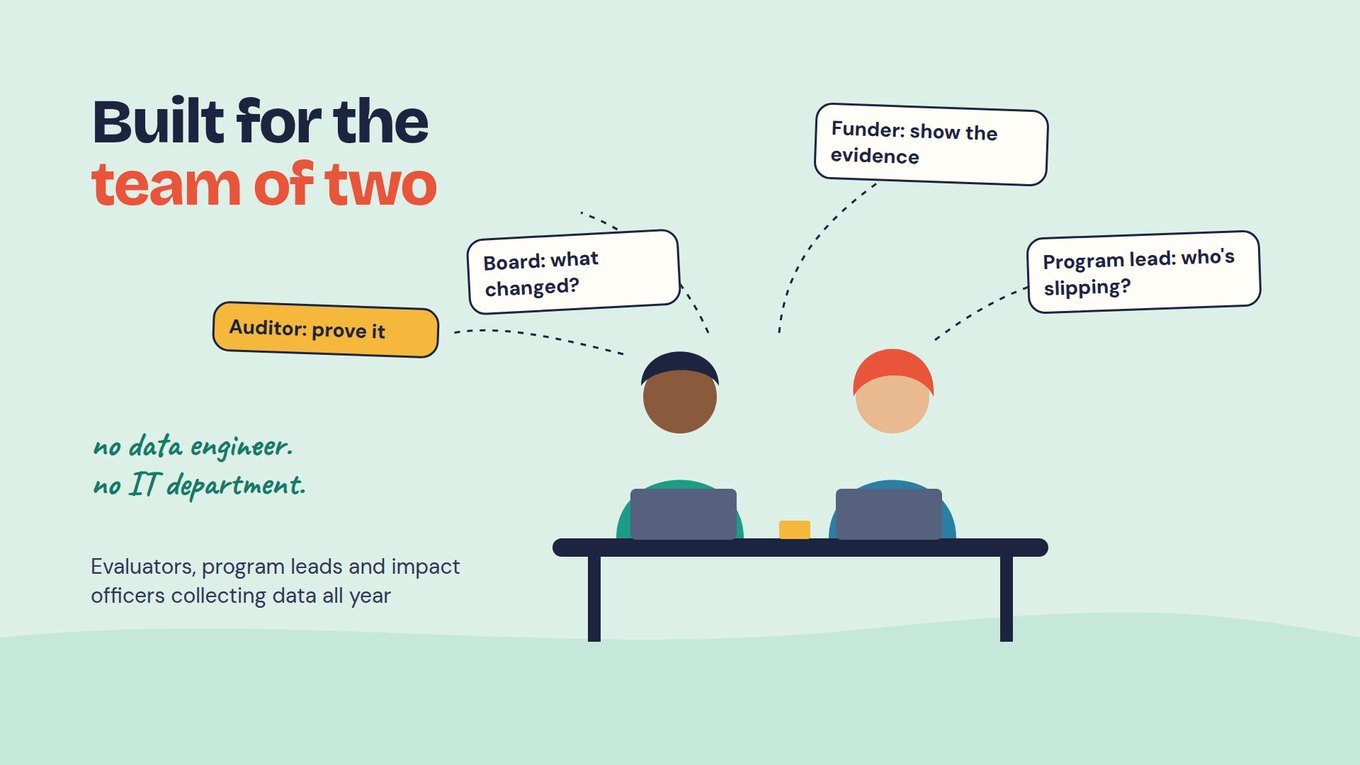
Before adding another tool, identify what is missing from the current setup. Is it a reliable way to connect records, a clear reporting definition, access controls or time to review the answers? Assign an owner to that work. Moving a spreadsheet into an AI tool does not resolve those questions, and any use of participant information needs an appropriate privacy review.
Start here, the first lesson of the free course, explains how to plan ownership and access before using AI with recurring program data.
What data should a nonprofit collect?
Collect what a named decision needs, and nothing because a form happens to offer a field for it. Start with one question the organization must answer this term, name who will use the answer, then choose the fields. Keep what you need to run the service, such as a guardian's phone number, apart from what you need to learn.
This page follows one fictional example. Northside Reading Club is an after-school program run by a coordinator, a site lead and a director who writes the grant reports. Thirty students enrolled for spring, and the director asks: "Which students stopped coming after the first month, and what got in the way?"
That question needs an ID, attendance by date, a short check-in about what makes it hard to come, and staff notes on the same student. It does not need a home address or household income on every form. Each extra sensitive field is one more thing to protect, explain to families and keep away from AI.
Before adding any question, ask who will use the answer and whether you already hold it. Tell families the purpose on the form itself. If you promised a feedback survey would be anonymous, keep it that way; do not rebuild identities later.
How do you govern data from the first form?
Give every person a unique ID at the first form, then add every later form to that same record. Governing where data is born sets identity, ownership and rules when someone first answers, not at report time. Data is centralized as it is collected: nothing to merge, no migration, no IT ticket.
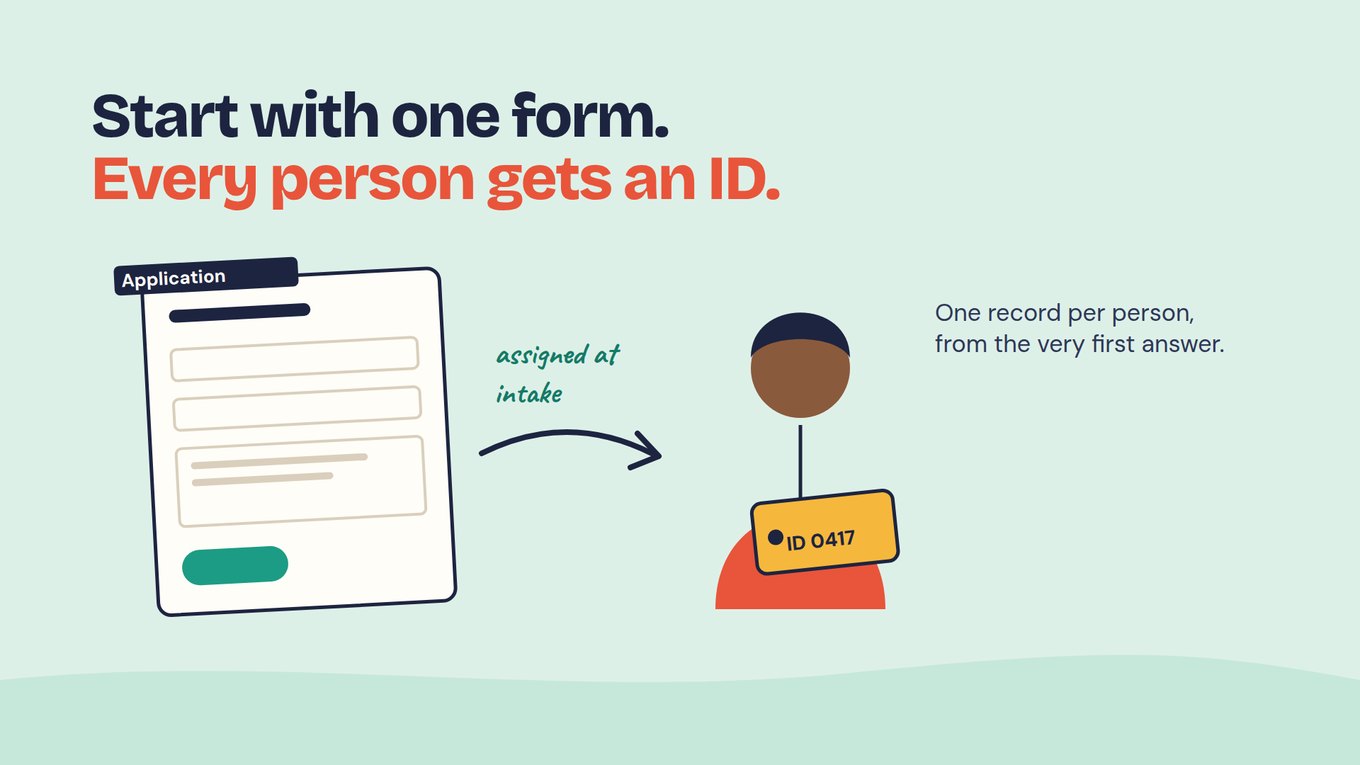
For Northside, intake is the first form. It asks for name, grade, school, a guardian phone number, reading confidence from 1 to 5 and one open question: "What do you want to get better at this term?" Submitting it issues an ID, and every later form attaches to that ID, never to a typed name or email.
ONE RECORD · JORDAN, ID 0112 · FICTIONAL
Intake: confidence 2/5; "I want to read chapter books without stopping."
Attendance: 14 of 24 sessions; missed weeks 5 to 7.
Staff note, week 6: "His older sister collects him now and finishes work at 5."
Mid-term check-in: "The late bus leaves before club ends."
Exit survey: confidence 4/5.
Next term: re-enrolled on the same ID.
Each form is a small workflow added when you need it: attendance in week one, the check-in at week six, the exit survey, a follow-up at re-enrollment. The coordinator adds each without a consultant, and every answer lands on the student's record when submitted. Jordan's 14 sessions stay 14 attendance entries and one student.
Open Play Foundation, which runs four sports facilities in Stellenbosch, South Africa, connects coaching, water infrastructure and food security this way. Ten program reports became one funder submission, and CEO Marco Botha says: "I'm digitizing our entire business through Sopact." Read the Open Play story.
What should AI see, and what should stay out?
AI should see the answers a question needs and none of the fields that identify a child or a family. In Sopact Sense you choose which fields are sent to AI, so name and guardian phone stay out while the rating, check-in answer and staff note go in. The AI Assistant stays locked until you declare which surveys it may use.
Intelligence Cell reads each open answer on arrival with a prompt you set. Asked the director's question, the Assistant lists by ID the eight students who missed three or more weeks in a row, each line linked to its check-in or note. Five of the eight (fictional) mention the late bus or a sibling's work hours, so the director tests an earlier finish on bus days.
Removing names does not make a small group anonymous: a note about a sister's shift can point to one family. Read a sample of the fields you plan to send; the deep dive on what the assistant may see walks through it. With several sites, give each a folder: its Assistant sees only that folder, and the owner sees results across all of them.
How do you keep the data trustworthy as it arrives?
Check quality at collection, while you can still ask the person who answered. Required fields, date checks and allowed ranges catch avoidable errors, and basic tools do this too: Google Forms documents response validation. Validation cannot tell you whether an answer is true, whether a question was understood, or who never answered.
Test each form with a few students and families before launch, including any translation. During the term, look weekly at missing check-ins, possible duplicates and odd values. Record missing, not applicable, declined and zero as different answers, and note each correction and who made it in a shared change log.
What can the record tell you, and what can't it?
A connected record shows who changed and what they said about it; it does not prove the program caused the change. If 24 of Northside's 30 students answered the exit survey, report the result as 24 of 30 and look at who is missing. The six who did not answer may be the students who struggled most.
Self-rated confidence is a student's view, not a reading test. A claim that the club caused a gain needs a design built for it, such as a comparison group. Treat every AI answer as a draft: open the records it cites and let a person decide.
Watch: one record from the first form to the answer
This short Sopact Sense intro shows the governed path from collection to analysis. Watch for the moment a new survey attaches to an existing ID, and for how an answer links back to the records behind it. Then try the same test with your own intake form.
How to choose data collection software for nonprofits
Choose software around the work your nonprofit needs to complete: collecting information, following participants over time, and preparing reports staff can check. A small program team may be responsible for a large organization’s data. Compare the work the team can manage routinely, the setup support it needs and the information it must share across programs.
For Northside’s reading club, a form may be enough for a one-time event survey. Recurring attendance, staff notes and follow-up require a way to connect the same participant’s information over time. If the organization also runs mentoring or job training, check whether each program can keep its own questions while using shared definitions for the figures reported together.
When comparing data collection and analysis software, ask the supplier to show the whole path from a submitted response to a checked report. A polished summary alone does not show whether the underlying records are complete or comparable.
- Collection that fits the participants. Check accessibility, language needs and the devices staff and participants use. If connectivity is unreliable, make offline collection and later synchronization a specific buying requirement.
- Continuity across programs and follow-up. Ask how the system distinguishes people from visits, handles repeat participants and keeps missing follow-up visible.
- Numbers and written evidence together. Check whether staff can review survey results alongside comments, notes and documents, and return to the original source when a finding needs explanation.
- Appropriate access and reporting. Confirm who can see personal information, which information may be sent to AI and what appears in a funder-facing export. Different audiences should not automatically receive the same level of detail.
- Ownership after launch. Agree who maintains forms and definitions, checks results and helps when requirements change. Include migration and continuing support in the discussion; do not assume either is automatic.
Sopact is relevant when a nonprofit needs to connect forms, files and feedback across recurring programs and use that evidence for analysis and reporting. Ask for a demonstration using a de-identified example of your own workflow. For a broader comparison of field collection, survey platforms and connected program analysis, use the data collection software buying guide.
| Setup | Who governs it | At the next wave | Good fit when |
|---|---|---|---|
| Free form and spreadsheet | Whoever has the file | Decide how repeat responses will be linked and checked | A one-time event survey |
| Survey tool, exported to ChatGPT | Whoever built the form | Check each export’s scope and remove unnecessary personal information | A quick read of answers with no personal details |
| CRM with an AI add-on | Confirm the staff and support needed for your configuration | Verify which surveys and notes connect to the participant record | Donor and contact management with a dedicated admin |
| Field collection tool (CommCare, KoboToolbox, SurveyCTO) | Whoever configures the project | Linking is available; set up per project | Offline fieldwork and home visits |
| Governed at collection (Sopact Sense) | Your program team, with agreed setup and support | Lands on the same ID when submitted | A program that collects all year and reports on numbers and words together |
Field platforms have real linking features: CommCare supports case management, KoboToolbox supports linked projects and SurveyCTO documents connected datasets and quality controls. If offline work is essential, test the real devices and sync conditions.
Sopact Sense does not replace an accounting system or a full case-management system of record; keep those, and let Sense hold the program forms and evidence around each person. Claude or ChatGPT can query that data through MCP. For a wider comparison, see data collection software.
Start with one program's intake this term
Pick one program, one intake form and one question, and run it for a single term. You do not need a CRM project or a warehouse first.
- Write down the question a director or funder needs answered this term, and who owns the answer.
- Rebuild that program's intake as the first form, cut fields the question does not need, and let it issue each person's ID.
- Add attendance and one mid-point check-in to the same ID, with one open question about what gets in the way.
- Choose the fields AI may see, leaving out names and contact details, and declare which surveys the Assistant may use.
- At mid-point, ask your question, open the records behind each line, and act on what you find.
- Add the exit survey and a follow-up to the same record, and log any definition you changed.
After the first cycle you should have one record per participant from intake to exit, one question answered with every line traced to a record, and one decision made from it. Then add the next program's intake.
Frequently asked questions
What data should a nonprofit collect first?
Start with one program's intake form and the information a defined service or reporting decision needs. List what you already hold and who will use each answer, and leave out fields with no stated purpose, especially sensitive ones. Make intake the form that issues each person's ID, so attendance, check-ins and follow-up attach to the same record.
Do we need a CRM or a data warehouse before we can govern our data?
No: governance starts at the first form. If intake issues a unique ID and every later form attaches to it, your data is centralized as it is collected and your program team manages it without IT. Keep a CRM if it serves donors or contacts well; a warehouse needs data engineers a team of two or three does not have.
How do we keep personal information out of AI tools?
Choose fields, not files: send the answers an analysis needs and keep names, emails and phone numbers out. In Sopact Sense you select which fields go to AI and declare which surveys the Assistant may use before it answers. In a small group, removing names is not anonymity, so read a sample of what you send.
Does validation eliminate cleanup?
No: validation prevents avoidable errors such as missing required fields, impossible dates or out-of-range values. It cannot judge whether an answer is true or who never responded. Duplicates, corrections and definitions still need a named reviewer; plan a short weekly check during collection instead of promising a perfectly clean dataset.
How do we compare different local programs or sites?
Agree a small shared core with the same definitions and units: ID, site, period and one common outcome question with its scale. Keep local questions separate rather than forcing one total, and check that every site counts the same unit, people or visits. Give each site a folder, and the organization owner sees results across all of them.
Can we use historical survey responses?
Yes, with care: test a sample import first, checking identifiers, dates, question wording and answer codes. Confirm which past responses match a person, keep unmatched ones visible and never fill historical gaps with invented values. From the next form onward, issue IDs at collection so the matching problem does not repeat.