


Additional course links
You leave with: A source-linked evidence sheet for Eastgate that separates reported facts, calculations and open questions, with a note on what, if anything, becomes an award condition.
Where this fits: Lesson 3 asks you to finish due diligence before Horizon sends the award letter for A-31, while an open question can still become a condition. Eastgate uploaded its most recent Form 990 with its application. This deep dive reads that filing the way a grant reviewer should: in proportion to a $24,000 grant, with every finding tied to a page. Bring back an evidence sheet and a short note on what, if anything, goes into the award terms. Both feed step 3 of the workbook.
Read a nonprofit's Form 990 by confirming the organization and tax year, reading the parts that bear on your grant with their schedules, and recording the page behind every finding. Use the filing to confirm facts and raise questions. How a specific grant will be spent comes from its budget and later reports, not from the return.
Match the question to the right document
Form 990 and Form 990-PF are different returns. The IRS describes Form 990-PF as reporting a private foundation's activities and charitable distributions and calculating tax on its investment income. Check which form you have before applying a checklist.
An auditor's report accompanies financial statements and gives the auditor's opinion within a stated scope; a management letter is separate again. Neither is interchangeable with a tax return. If your question is what an auditor concluded, read the audit material rather than inferring it from a filing.
| Review question | Starting evidence | Limit to keep |
|---|---|---|
| What did the organization report for this tax year? | The applicable return and its schedules | Reported information for that period only |
| What did the independent auditor conclude? | Auditor's report and accompanying financial statements | Read the actual opinion and its scope |
| How will this grant be spent? | The grant budget, then budget versus actual reports | An organization-wide total cannot answer a grant-specific question |
| What has changed since the filing period? | Current reports and authorized clarifications | Keep dates and sources distinct |
Confirm identity, year and completeness
Match the legal name and EIN on the filing to Eastgate Youth Works as named in A-31. Check the tax period, whether the return is amended and whether the referenced schedules are included. A draft supplied during preparation is not the filed return.
The IRS Tax Exempt Organization Search provides exemption information, returns and other records. Record which dataset you checked and when. A return in a folder and a current status check answer different questions.
If you cannot find a filing, do not label the organization noncompliant. Check identity, the filing requirement and the period first. Some organizations file different forms or have exceptions; the IRS instructions for Form 990 set out the requirements, and a qualified adviser settles cases that stay unclear. R-2 applicants that work through a fiscal sponsor, as A-44 does, meet the eligibility gate with the sponsor's letter instead.
Read the relevant parts with their explanations
For the 2025 Form 990, a useful route is Part III for program accomplishments, Part VI for governance, Part VII for compensation, Parts VIII to X for revenue, expenses and balance-sheet information, and Part XII for financial-statement reporting. Read the linked schedules and explanations with the answers.
For a youth employment grant, Part III is where Eastgate describes its programs in its own words. Check that the program it asks Horizon to fund is recognizable there, or note that it is new.
Part XII asks about the accounting method and whether financial statements were compiled, reviewed or audited. A checked box is not the auditor's report; request the document when its contents matter to your decision. Use the instructions for the year you are reading, especially when comparing older filings.
Separate a reported fact from a conclusion
"The filing reports $900,000 of total expenses" is a source statement. "Eastgate can manage this grant" is a conclusion that needs different evidence. Keeping the two apart stops a tidy summary from turning into an assurance nobody gave.
For each entry, save the document name, period, part or page, value, units and a reviewer note. Check extracted figures against the page, particularly scanned tables, negative values and prior-year columns.
A blank field, an unreadable scan and an explicit zero are three different findings, and an extraction that cannot read a value should leave it unresolved rather than guess.
Work through Eastgate's filing
Horizon example · fictional
Eastgate's return reports total expenses of $900,000, of which $720,000 is reported as program service expenses. The request is $24,000. The packet includes no auditor's report.
Program-service share: $720,000 ÷ $900,000 = 80%. Request relative to reported expenses: $24,000 ÷ $900,000 ≈ 2.7%.
| Finding | What it supports | Next step |
|---|---|---|
| Total expenses: $900,000 | A reported organization-wide figure for the stated year | Confirm the page and tax period |
| Program-service share: 80% | A calculation from two reported figures | Keep the calculation; do not turn it into an impact score |
| Request: about 2.7% of reported expenses | Context for the grant's scale | Note it; no follow-up needed |
| How the $24,000 will be spent | Not something a 990 can show | Read the uploaded budget now; track budget versus actual each quarter |
| Auditor's conclusion | Not in the packet | Decide whether one is needed at this grant size |
The result is two supported figures, one scale calculation and two questions with owners: neither a red flag nor a green certificate.
Make follow-up proportionate
A $24,000 grant does not need an audit-level review. Horizon's program officer decides the missing auditor's report is not needed for this award and records why: the grant is a small share of Eastgate's reported spending, the program budget has been read, and budget versus actual is in the reporting plan. For one of Horizon's large grants, the same gap might justify a request.
Ask for the smallest piece of evidence that answers each open question, and keep the decision, rationale and date with the source. Use statuses in words, such as source verified, clarification requested and reviewer decision recorded. If you also use colors, define them; missing evidence and confirmed noncompliance must never share an unexplained red.
Then decide what goes into the award. For A-31, due diligence adds no new condition; the one that matters, confirming the employer placement role before the second payment, came from review. "No condition from due diligence, reason recorded" is itself a finding the auditor will want later.
Reviewers decide what a finding means for the award, and anything that turns on tax law or accounting judgment goes to someone qualified to give it.
Let AI prepare the evidence sheet, then check it
The filing arrived as an upload on A-31. In Sopact Sense, an Intelligence Cell configured with the prompt below reads it on arrival and drafts the evidence sheet, each value with its page. The reviewer checks a sheet against the source instead of building one from a scan.
Review the supplied [document type and year] for [organization and EIN] against these questions: [questions]. Identify the document type before extracting anything. For each answer, give the reported value or statement, the part or page, the period and the source file. Separate reported facts, calculations and unanswered questions. Do not infer grant-specific spending, an auditor's opinion or legal compliance from organization-wide figures. If a required source is absent or unreadable, state the gap and suggest a focused follow-up for human review.
Check the output against the page before relying on it. A citation that looks precise can still point at the wrong year's column.
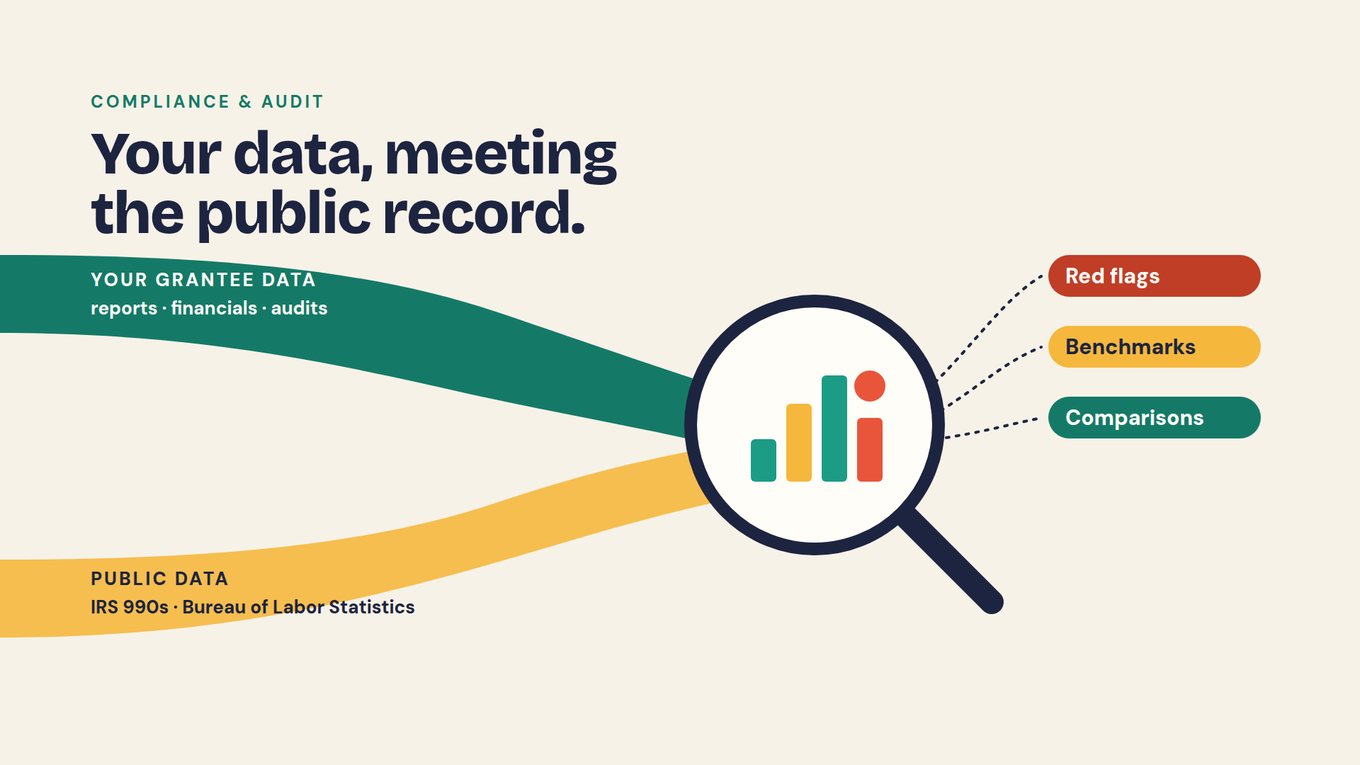
The same reading can set a grantee's documents beside the public record. Earlier 990s show whether reported expenses moved sharply between years, and Bureau of Labor Statistics data gives context for a placement goal in the local labor market. Use that for questions, benchmarks and comparisons, not verdicts.
Watch · 12:43–14:15 · portfolio context and due diligence
Unmesh describes the context that makes AI useful across a portfolio (data dictionary, reporting requirements, timelines, red flags) and why due diligence should be one question away rather than documents sitting in folders. Watch for his point about asking the compliance questions your board actually needs; that is the test for Eastgate's evidence sheet. Watch on YouTube ↗
Jump to: 8:49 — compliance on primary and secondary data · 13:19 — the compliance questions a board needs
Keep the history and access appropriate
When you compare years, an amended filing, a changed accounting method or a different organizational scope can change the comparison; keep the earlier version and explain the change. A public filing may sit beside confidential records in the same review, so set access on the combined sheet accordingly.
Keep the sheet on A-31. When the auditor asks for proof of the A-31 decision, the due diligence (what was examined, what was open, who decided and why) sits on the same record as the scores and the condition.
Put it into practice
Build Eastgate's evidence sheet
- In step 3 of the workbook, write the two or three questions the filing should answer for a $24,000 award to Eastgate.
- Record the identity check: legal name and EIN match, form type, tax period and completeness, with the source you checked and the date.
- Enter the fictional figures, each with its part and page, and reproduce the 80% and 2.7% calculations.
- Give a colleague this sentence: "Eastgate spends 80% on programs, so the grant is low risk and compliant." Ask them to separate the calculation from the unsupported conclusion and name the evidence each part would need.
- Write the due-diligence note for the award: what goes into the terms, what does not, and why.
Download the workbook (PDF)
Practice data: horizon-r2-applications.csv · horizon-rubric.csv · calibration-scores.csv · eastgate-q1-update.csv
Check your reasoning before moving on
The 80% is a supported calculation about expense categories; "low risk" and "compliant" are conclusions the filing cannot carry. How the grant is spent comes from the budget and later budget versus actual reports. An auditor's opinion comes from an audit report, which Horizon decided it does not need at this grant size, with the reason recorded. The award note should say that no new condition arises from due diligence, give the reason, and point to the employer-role condition from review. If the packet held a second return from a different tax period, check the period before calculating any change between years. Take the note back to Lesson 3's record map.
Questions grant teams ask
Is Form 990 an audit?
No. Form 990 is a tax information return: it reports what the organization states for a tax year, and Part XII asks whether financial statements were compiled, reviewed or audited. When you need an auditor's opinion and its scope, read the auditor's report and the accompanying financial statements.
Are Form 990 and Form 990-PF interchangeable?
No. Form 990-PF is the return for private foundations and reports their activities, charitable distributions and tax on investment income. Identify the organization and the form before applying a checklist, and use the IRS instructions for the relevant year, since part labels and requirements change over time.
Does a program-expense percentage show impact?
No. A program-service share, such as $720,000 of $900,000 or 80%, describes how reported expenses were allocated. It says nothing about outcomes for participants or how a particular grant will be spent. Keep the calculation on the evidence sheet as context and look for outcome evidence in the reporting plan.
How much due diligence does a small grant need?
Enough to match the risk. For a $24,000 grant, confirm identity, year and completeness, read the parts that bear on the award, and record what the filing cannot show. An audit-level review is rarely proportionate. Write down what you decided not to request and why, so the decision stands up when an auditor asks.
What should happen when an audit report is missing?
Record that it is absent from the packet, then decide whether this review needs it; for a small grant it often does not. Do not invent an auditor's finding or infer wrongdoing from the gap, and keep the decision and its reason on the grant record.
Can AI read a filing for a grant review?
Yes, as a first pass. An Intelligence Cell can identify the document type, extract the values your questions need and cite the page for each, leaving unreadable values unresolved. A reviewer checks every figure against the source, and financial or legal conclusions stay with qualified people.